First login
Fetching the default administrator password
Allow a few seconds for your Stream instance to boot up. You can then fetch the administrator password that has been generated for your instance using the command :
$ kubectl exec $(kubectl get pods -n stream -l "app.kubernetes.io/name=stream" --sort-by={.status.podIP} -o jsonpath="{.items[0].metadata.name}") -n <namespace> -- /bin/sh -c "cat /stream/adminPassword"|
The default administrator credentials are:
|
Manually creating the initial user
In case the automatic bootstrap process was disabled, you may need to manually create an administrator user. Launch a MongoDB shell to access your database and run the following command to create the initial administrator:
db.security_accounts.insertOne({"identifier":"administrator","secret":"$6$96ZV/UmX1oMPUVA3$U5MejjbJ9S3jhqq1TDqhZMwVOcDX5BAWY3DL2nsxUHlpHj0LOfPuswy4nWjkMLify4FvKGKhEfADzljy7FGc8.","permissions":[{"value":"configuration:*"},{"value":"lifecycle:*"}],"roles":[], "type":"local"})Set a default password
As mentioned above, when Stream first boots in an empty database, it generates a random password for the default administrator account. If you wish to deterministically set the password for this account, you can do so by setting the initialAdminPassword key in the Helm Chart’s values override, or set the HRZ_ADMIN_PWD_HASH environment variable.
Stream expects a SHA-crypt hash, which can be generated using our toolbox image:
docker run --rm -it quay.io/evertrust/toolbox:latest generate-password sample_password
Accessing the Stream Web Interface
-
Launch a web browser;
-
Browse to
https://[IP or DNS Name of the Stream component]/ui#: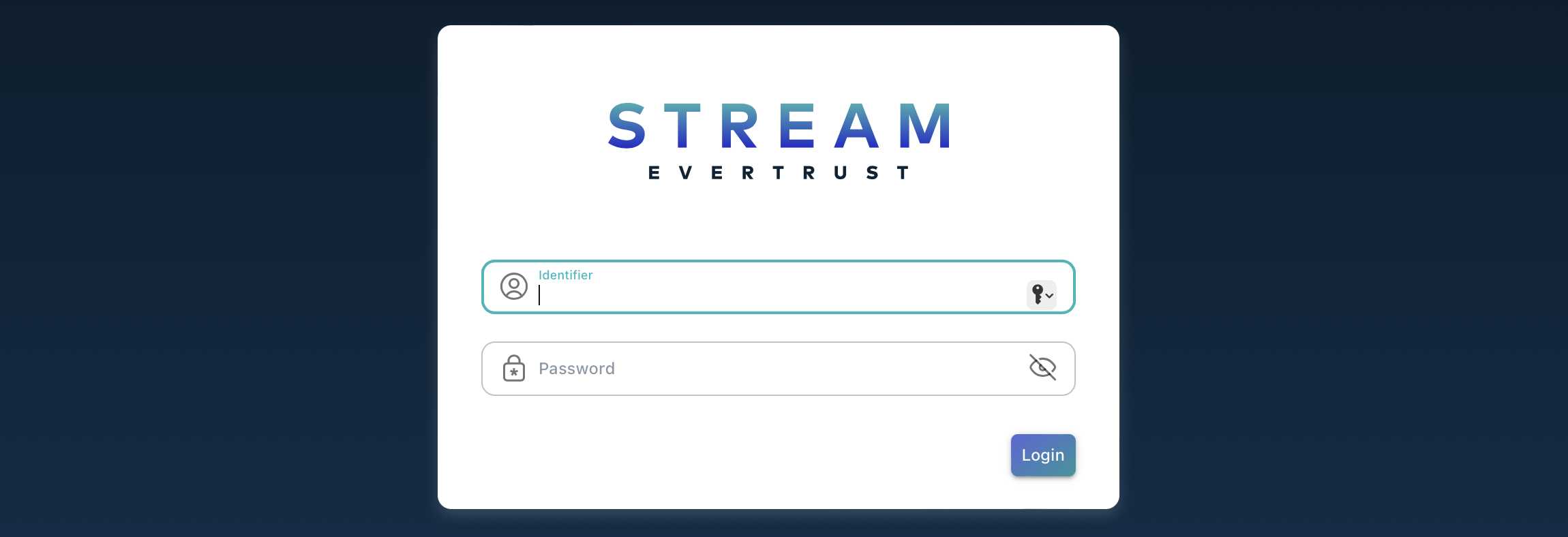
-
Specify the default administration credentials and hit the 'Login' button:
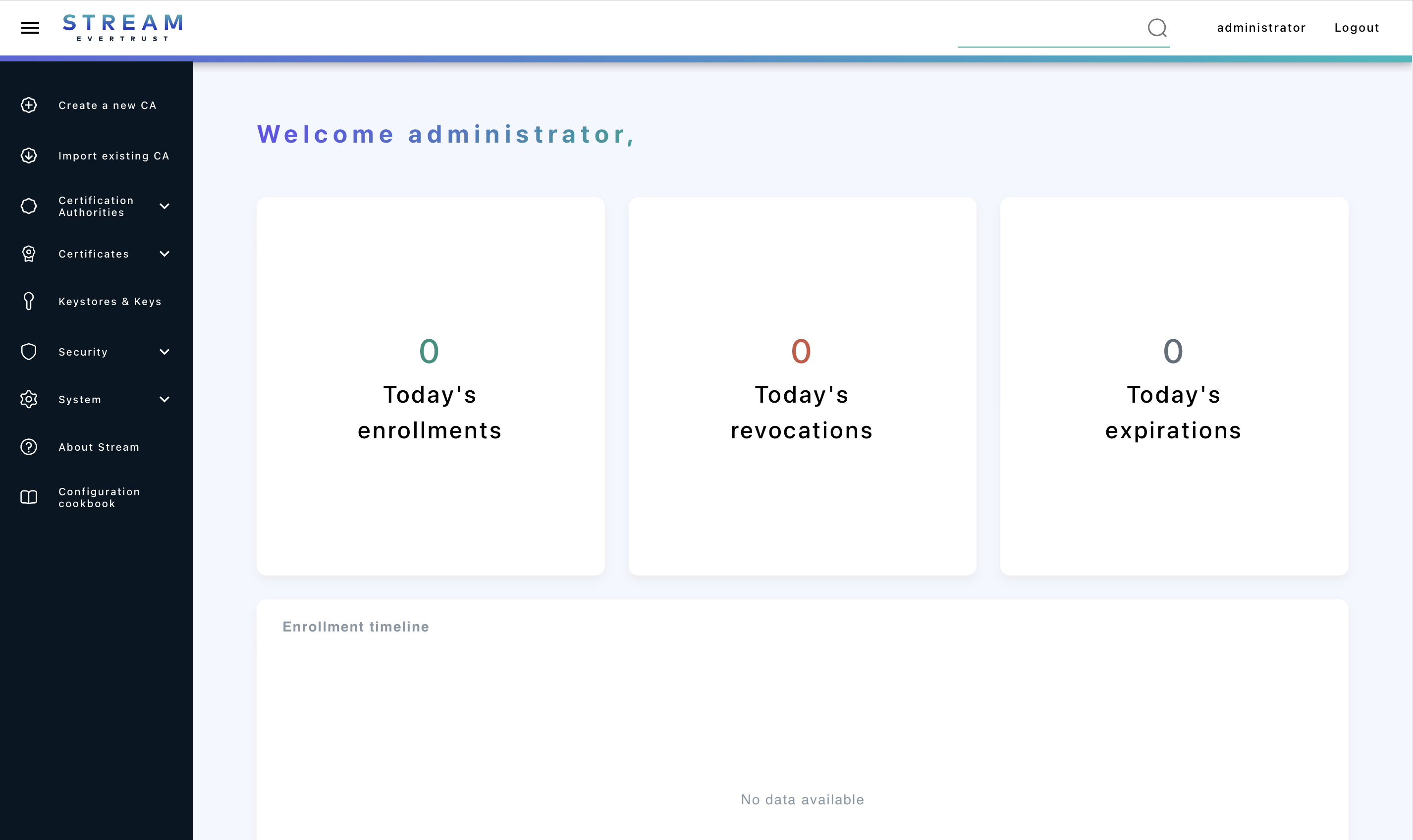
It is highly recommended to delete the adminPassword file from your machine once you saved it somewhere safe.
|