Initial Configuration of the ADCS Connector
Before proceeding with the setup, please ensure that the ADCS Connector program is correctly installed and stopped.
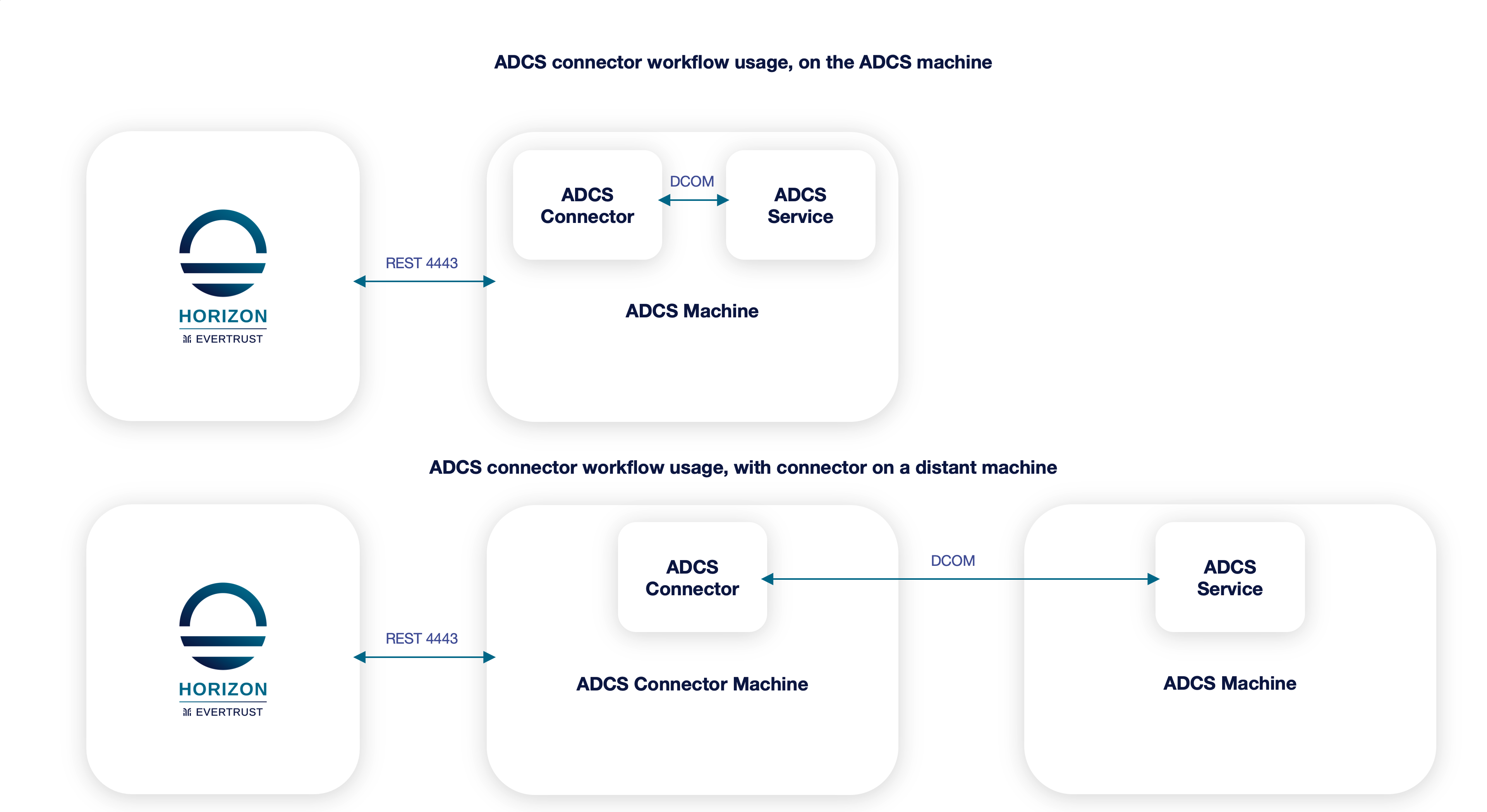
| The connector can be installed on the ADCS server itself or on another machine in the same domain. For the latter, install the Remote Server Administration Tools (RSAT) for Active Directory Certificate Services on that machine. You can use the server manager to add the feature "AD CS and AD LDS Tools" under "Remote Server Administration Tools" > "Role Administration Tools" > "AD CS Tools" |
TLS Certificate
Enroll a TLS Web Server certificate with the "Server Authentication" and a SAN DNS that will have the DNS name you are going to use for this ADCS machine and import it in the certificate store of the ADCS machine.
Retrieve the hash of that certificate through certlm.msc. Be careful as some special characters may be copied alongside with the hash, so ensure that you get rid of them should they be present.
Connector Configuration
Edit the C:\Program Files\EverTrust\ADCSConnector\EverTrustADCSConnector.exe.config
| Please don’t copy the file from one installation to another as the content may differ from one version to another. |
Network Configuration
Ensure that the port 4443 is opened in the firewall of this machine and that the machine can indeed be reached from the Horizon machine.
Using services.mschttps://localhost:4443/api/certificate
Template & Permissions
Create a new certificate template on the ADCS (or use an existing one) that the connector will use to enroll the certificates.
Create a technical account to manage the connector:
-
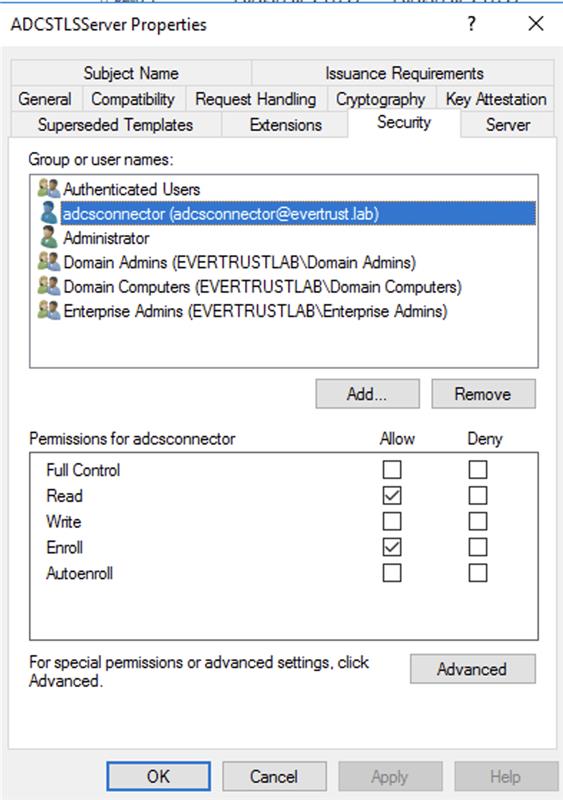
Give it the right to enroll on the previously created template
-
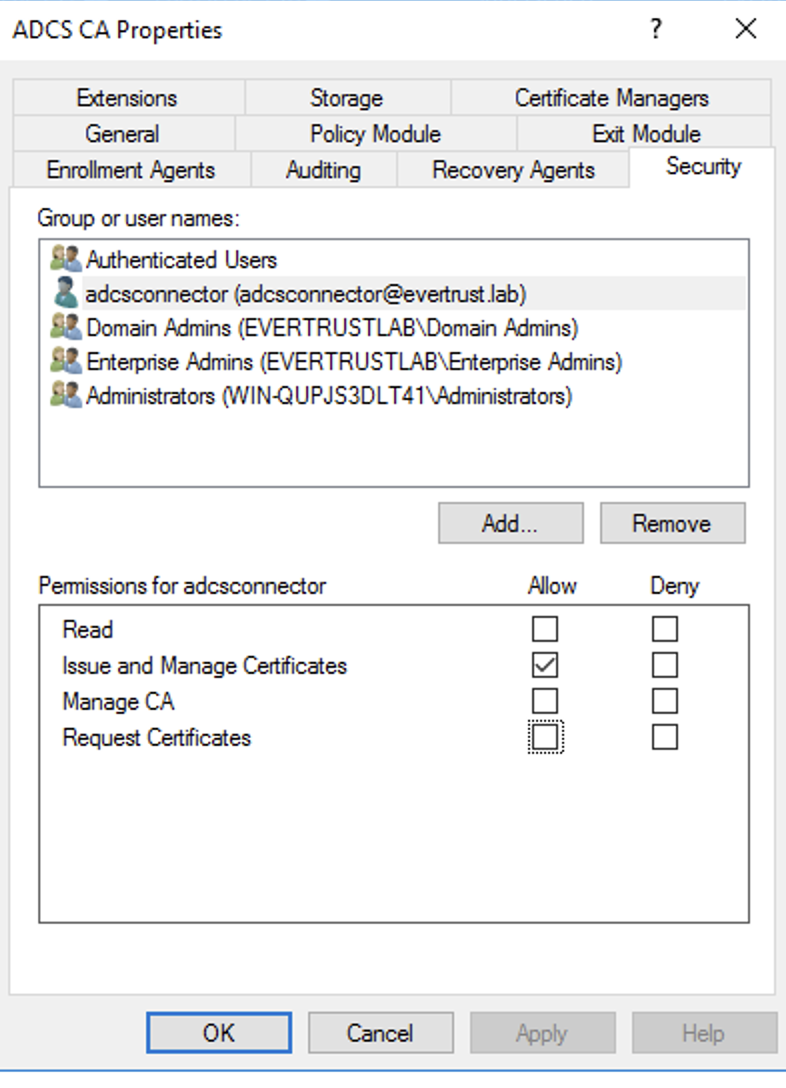
Give it the right to
Issue and Manage Certificateson the ADCS